Help with the process, not just the answer
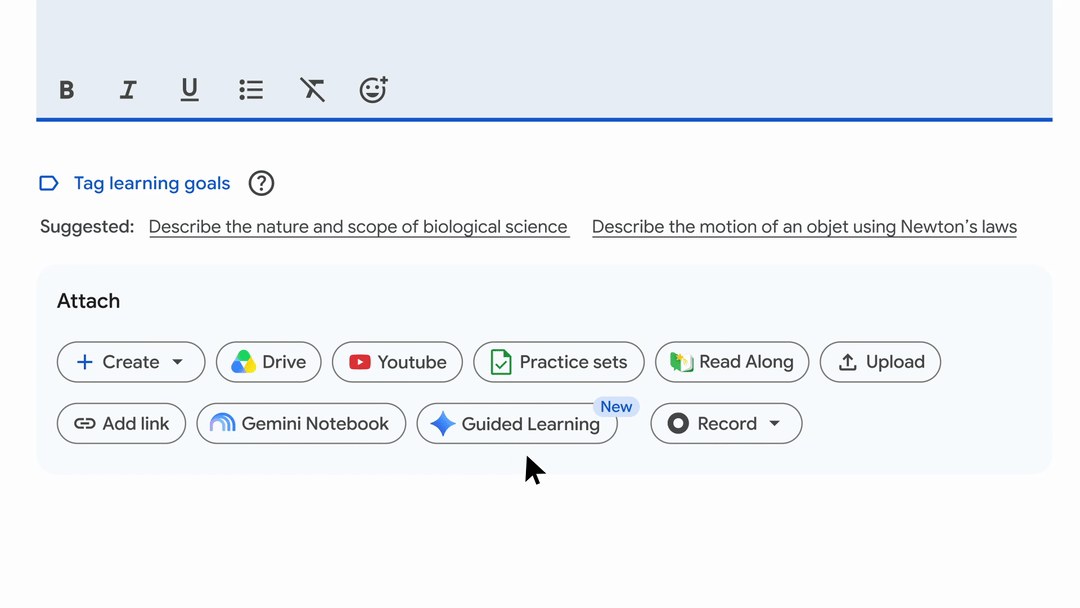
Google announced the integration of Guided Learning into Classroom assignments on November 4. Its worldwide rollout began on November 3 and may take more than 15 days. It covers Education Fundamentals, Standard and Plus in Gemini-supported languages. Both teachers and students need administrator-enabled Gemini access.
Class materials remain the starting point
The official help page allows up to five sources and recommends starting with one. Teachers can preview the experience before assigning it. For example, try a question that often causes confusion and check whether the hints help explain the reasoning. That trial is an editorial suggestion, not a guarantee of the system’s results.
A summary is not a grade
Google warns that generated summaries can be wrong and are not intended for assessment or placement. They should be checked against the relevant work and conversations. Teachers can review interactions from activities they assigned through Classroom, not every personal conversation a student has with Gemini; transcripts require Gemini activity to be enabled.
Before using it with a class, explain what the teacher will see and what the exercise is meant to achieve. If an answer looks correct but the student cannot explain the process, the next step is still an educational conversation. The tool can support that conversation, not replace a teacher’s judgment.
Sources and context
Sources used for this article. Follow the links to read the original material.
See the linked sources for more information. Corrections and contact →