In brief
- Version 9.17 was released on October 23.
- Check the conversion and keep the original file.
An update for your library
Calibre released version 9.17 on October 23. The e-book manager adds support for reading JPEG XL images during conversion, speeds up output to MOBI, AZW3 and PDB, and fixes PDF and EPUB 3 problems introduced in the previous release.
If a conversion started failing after an update, these fixes are worth checking. The announcement does not promise to repair every file: it addresses specific errors rather than perfect reconstruction of every book.
What the program can do
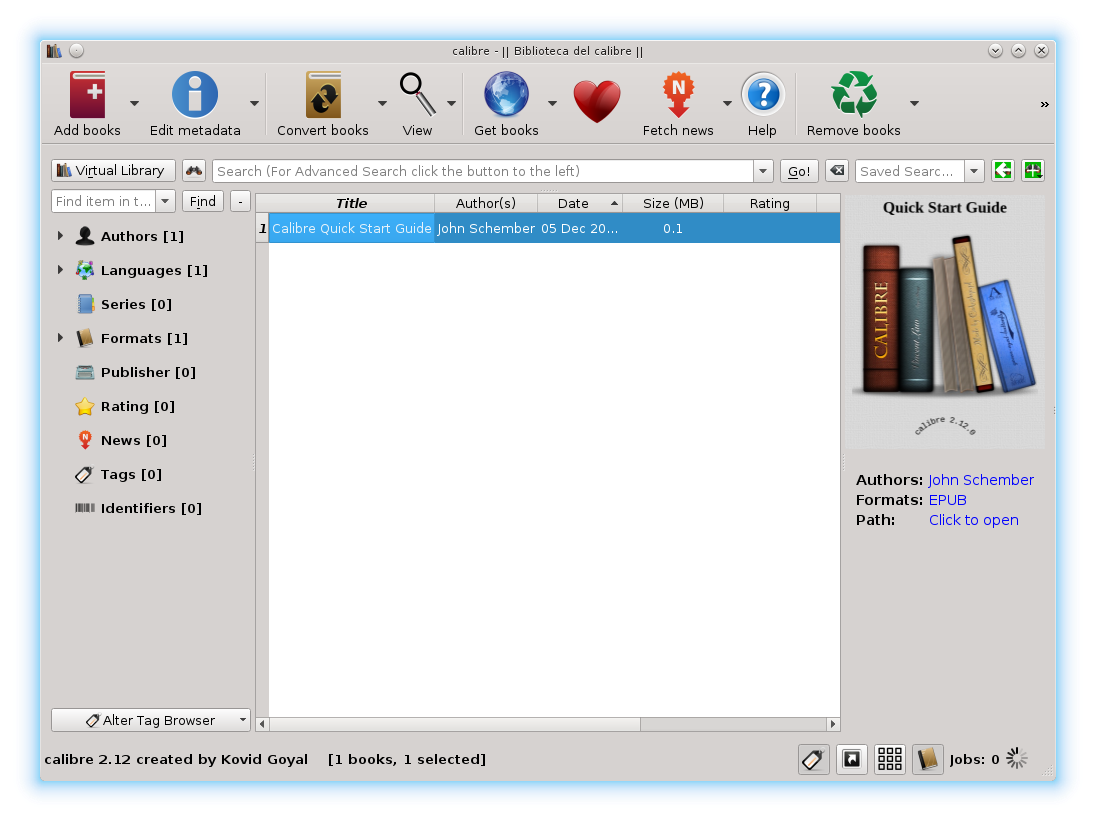
Calibre lets you organize, read, edit and convert e-books on a computer. It is free, open-source software, with official downloads for Windows, macOS and Linux. Its download page does not announce a country-by-country rollout or a separate date for Mexico.
Imagine a folder full of reading material with unhelpful file names. Before converting everything, you could organize a small group and check the titles and authors. That makes it easier to find the right book later without opening every file.
Try one book before converting everything
As an editorial check, keep a copy of the original and convert a single book first. Open the result, follow the table of contents and find a page with pictures, a table and the beginnings of several chapters. These samples can reveal awkward breaks without reading the whole book.
For a document with a complicated layout, compare both versions on the device you will use for reading. Check the font size and navigation too. A conversion that finishes without warnings may still need adjustments to be comfortable; keeping the source file lets you try again without rushing.
Sources and context
Sources used for this article. Follow the links to read the original material.
See the linked sources for more information. Corrections and contact →