A check where you already sign in
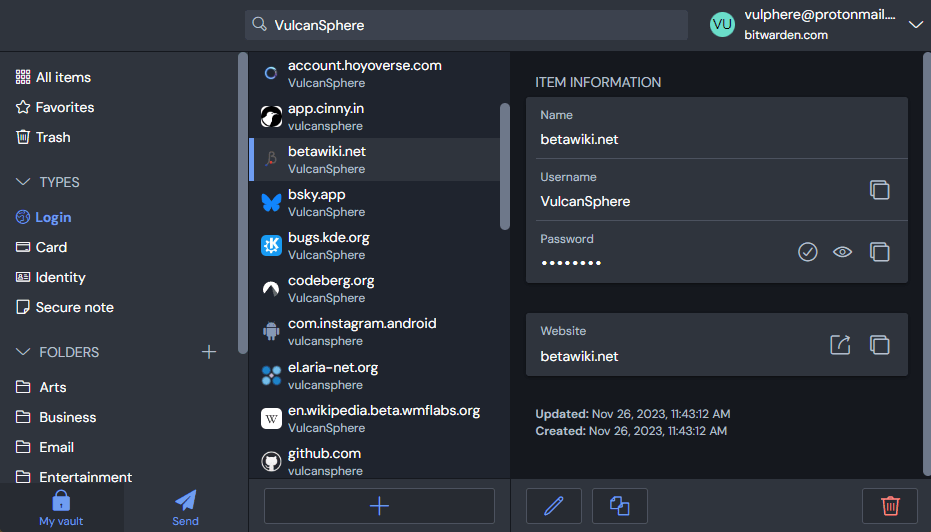
On October 21, Bitwarden announced a Health tab in its extension. Premium and Families users get full reports; the free plan shows counts of flagged items. Teams and Enterprise members continue to access their reports in the web app.
The practical benefit is a reminder closer to where you sign in. Our take: seeing an account that needs attention while browsing may make it easier to deal with than remembering to visit a separate dashboard later.
An alert is not the whole story
Bitwarden documentation distinguishes weak passwords, reused passwords and passwords found in leaked-password databases. That last match does not, on its own, prove someone accessed your account, but it is a good reason to replace the password.
Reusing a password across services increases the risk: one breach can expose other accounts. To make the task manageable, start with one important account, fix it and move on to the next.
Change it on the website, not just in your vault
The change-password button opens the saved website when an item has a web address. After changing the password there, update the copy stored in Bitwarden. This does not automatically replace all your passwords.
Our suggestion: check that you can sign in with the new password before considering the job done. The goal is not a reassuring number on a dashboard, but to stop relying on passwords that are no longer worth keeping.
Sources and context
Sources used for this article. Follow the links to read the original material.
See the linked sources for more information. Corrections and contact →