In brief
- Firefox 158.0.1 was released on October 20.
- It blocks the eMudhra certificates on computers that did not receive the OneCRL update.
- It fixes text selection, printing and multiple-monitor bugs.
Protection arrived before the patch
Firefox released version 158.0.1 on October 20 with a low-profile but important priority: completing protection against compromised eMudhra digital certificates. Mozilla received the report on Saturday, October 17, and blocked eight intermediate certificates through OneCRL, its centralized revocation list.
According to Mozilla’s security team, that initial protection reached users with standard settings in under three hours, without an update or browser restart. The patch now includes the list for those who could not receive it because of their settings or network limitations. The risk was that an attacker able to intercept a connection could use fraudulent certificates to impersonate websites.
It also fixes everyday annoyances
If selecting a piece of text caused a page to jump unexpectedly back to the top, this version includes the fix. On Windows, it also resolves a browser crash when printing or saving a page as a PDF while a screen reader or other assistive technology was running.
Other fixes address windows opening on the wrong monitor in Linux and files not being dropped into a web page when dragged from another app on macOS. Mozilla also fixes a bug that prevented some users from enabling the built-in VPN. These small changes can mean fewer interruptions to everyday tasks.
How to check you have the update
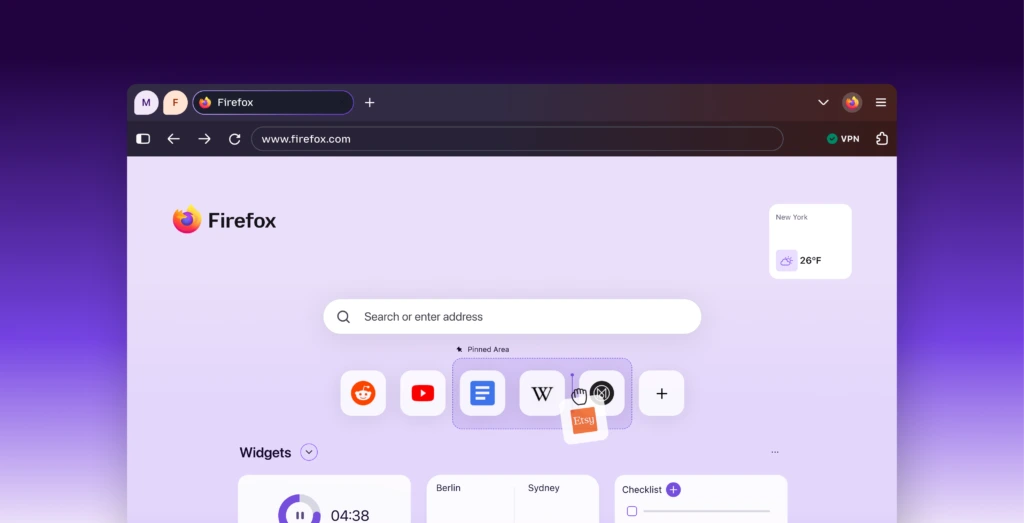
If you downloaded Firefox from Mozilla, open the Help menu and choose About Firefox. On macOS, that option is in the Firefox menu. The browser will check for updates and ask you to restart if needed. Afterward, check that it shows version 158.0.1.
If you installed Firefox from Microsoft Store or your Linux distribution’s package manager, update it through the same channel. Availability may depend on the distributor. Save anything you are writing before restarting: downloading a patch and applying it are separate steps.
Sources and context
Sources used for this article. Follow the links to read the original material.
See the linked sources for more information. Corrections and contact →