In brief
- Check the Media Server version, not the player app’s.
- The fixes are included in version 1.43.3.10861 and later.
- A compromised server needs recovery work as well as the patch.
Plex now confirms active attacks
Plex updated its security advisory on October 19 with a specific warning: internet-accessible servers that have not received the fixes are under attack. The company has seen compromised installations used to mine cryptocurrency and relay other people’s internet traffic.
Used together, the flaws allow attackers to run code with the server process’s permissions. Plex says the fixes are included in Media Server 1.43.3.10861 and later. The patch is not new today: the news is confirmed active exploitation after a proof of concept was published on October 16.
Check the server, not just the player
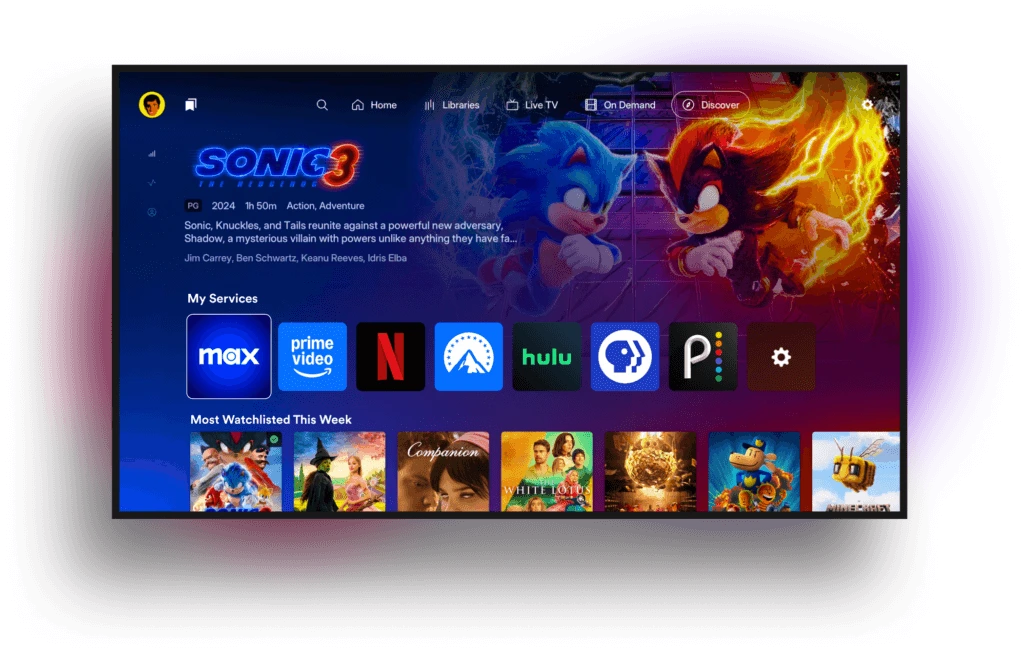
A home library can have a server on a NAS or computer and player apps on phones and TVs. Updating a player app does not mean the server is up to date. First, identify the device that stores and serves the files.
According to Plex’s documentation, you can find the Media Server version in Plex Web under Settings, then Server, then General. Opening this section also checks for updates. Do not confuse it with the web app’s General section, which shows the client version rather than the server version.
On Windows and macOS, the server can update automatically during scheduled maintenance. On Linux and NAS devices, the process depends on the repository, manual installation or manufacturer’s app store. Check which version is actually installed, not just whether the system says it checked for updates.
An update alone will not undo a break-in
If an older, unpatched server was exposed to the internet, Plex says to treat it as potentially compromised. If there are signs of an intrusion or any doubts, it recommends rebuilding from a clean installation, signing out all account sessions and changing the password. It also advises turning off remote access if you do not need it.
If you only watch content shared by someone else, notify whoever manages the library. The server is what needs checking, regardless of the brand of TV you use.
Sources and context
Sources used for this article. Follow the links to read the original material.
See the linked sources for more information. Corrections and contact →