Fewer columns, a different view
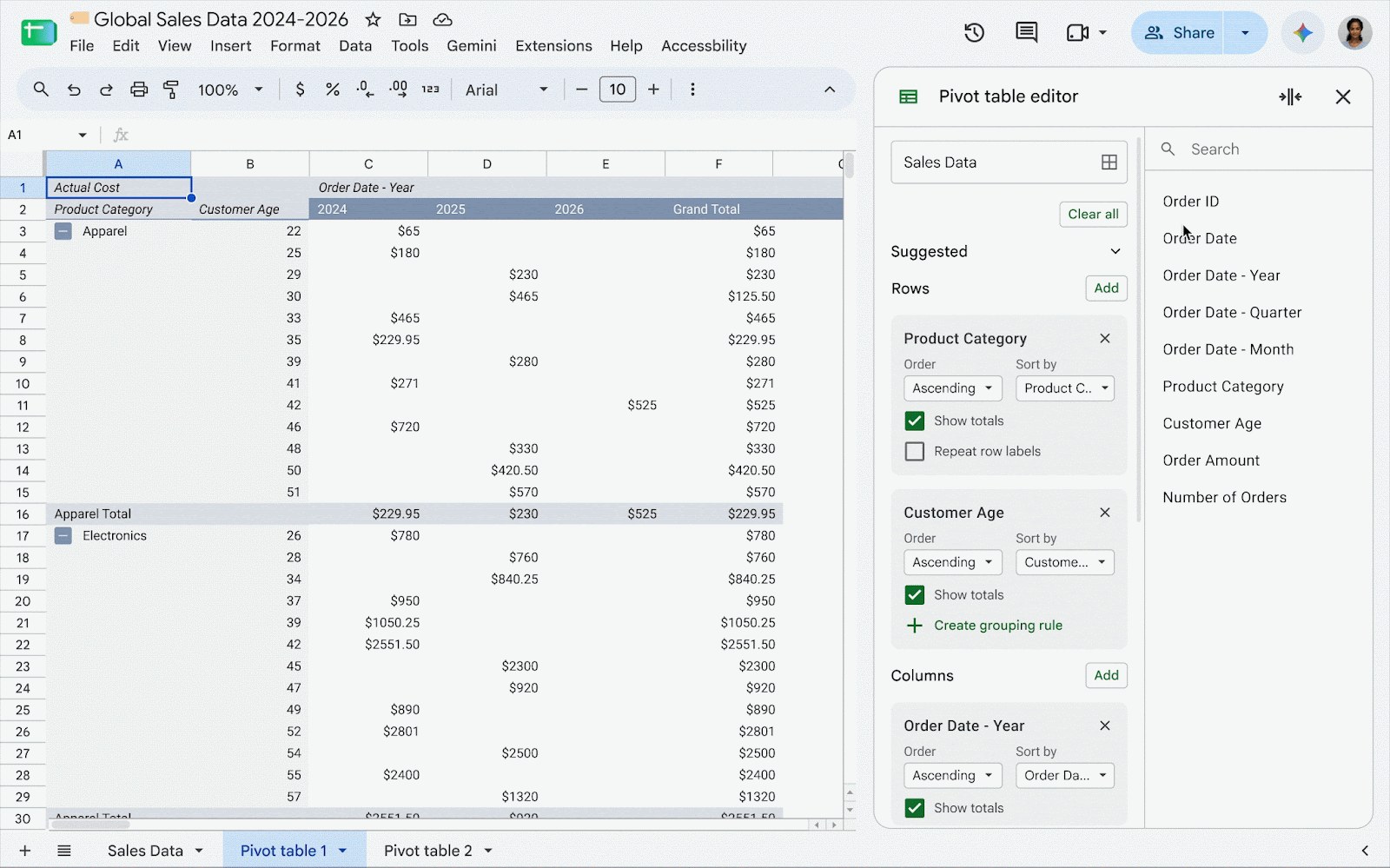
Google announced a compact layout for Sheets pivot tables on October 28. Instead of putting each row level in a separate column, it nests them in one column, with indentation and controls to expand or collapse groups. Outline layout, with separate columns, remains an option.
When it may help
Think of a table organized by division, department and team: the change aims to show that hierarchy without making you scroll across so many columns. It does not improve the underlying data or decide which question you should ask. Before choosing it, compare whether nested groups or separate fields are easier to work with.
Google also says compact pivot tables imported from Excel retain their structure and keep it when exported back. That removes a presentation difference; it is not a guarantee that every complex workbook will behave identically in both applications.
A gradual rollout
Rapid Release rollout began on October 22 and can take up to 15 days. For Scheduled Release domains, rollout is due to start on November 6, also gradually. The feature is available to Workspace customers and personal accounts; if it has not appeared, check the applicable schedule before assuming it is missing.
Sources and context
Sources used for this article. Follow the links to read the original material.
See the linked sources for more information. Corrections and contact →