In brief
- Start with a small test and check the result.
- Check your account’s conditions before relying on the feature.
What Google announced
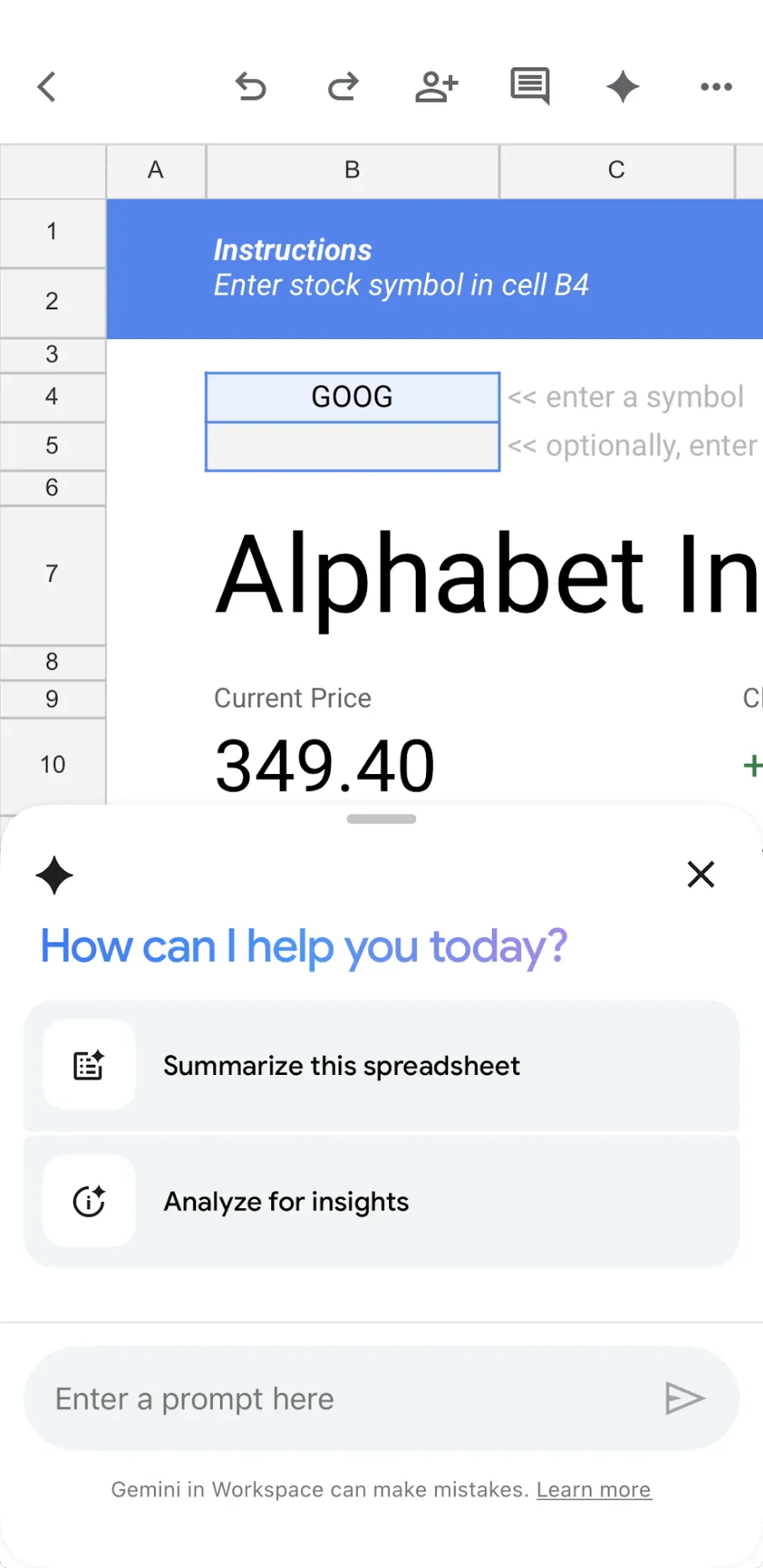
On October 19, Google announced Gemini in Sheets for iOS. Rollout began October 15 and can take up to 15 days. Eligible plans support questions about data, analysis and charts; this does not mean access for every free account.
Try data you already understand
Imagine a grocery spending sheet. Rather than asking it to “analyze everything,” ask which category increased between two specified months. Then check that category’s totals yourself. This small exercise helps distinguish a convincing response from an accurate one.
Prepare the spreadsheet first
Google’s help recommends native Sheets files for these features. Do not assume every desktop action works identically on mobile. Check the button available in your account and consult the service’s language support information.
Keep the review manageable
Before testing, use clear column headings and distinguish zeros from empty cells. Ask which range was used, then check for omitted rows and dates. If the result will inform spending or explain a performance measure, keep the original calculation alongside the conclusion. The convenience of using your phone does not replace that check.
Sources and context
Sources used for this article. Follow the links to read the original material.
See the linked sources for more information. Corrections and contact →