In brief
- Start with a small test and check the result.
- Check your account’s conditions before relying on the feature.
Sound is no longer tied to the clip
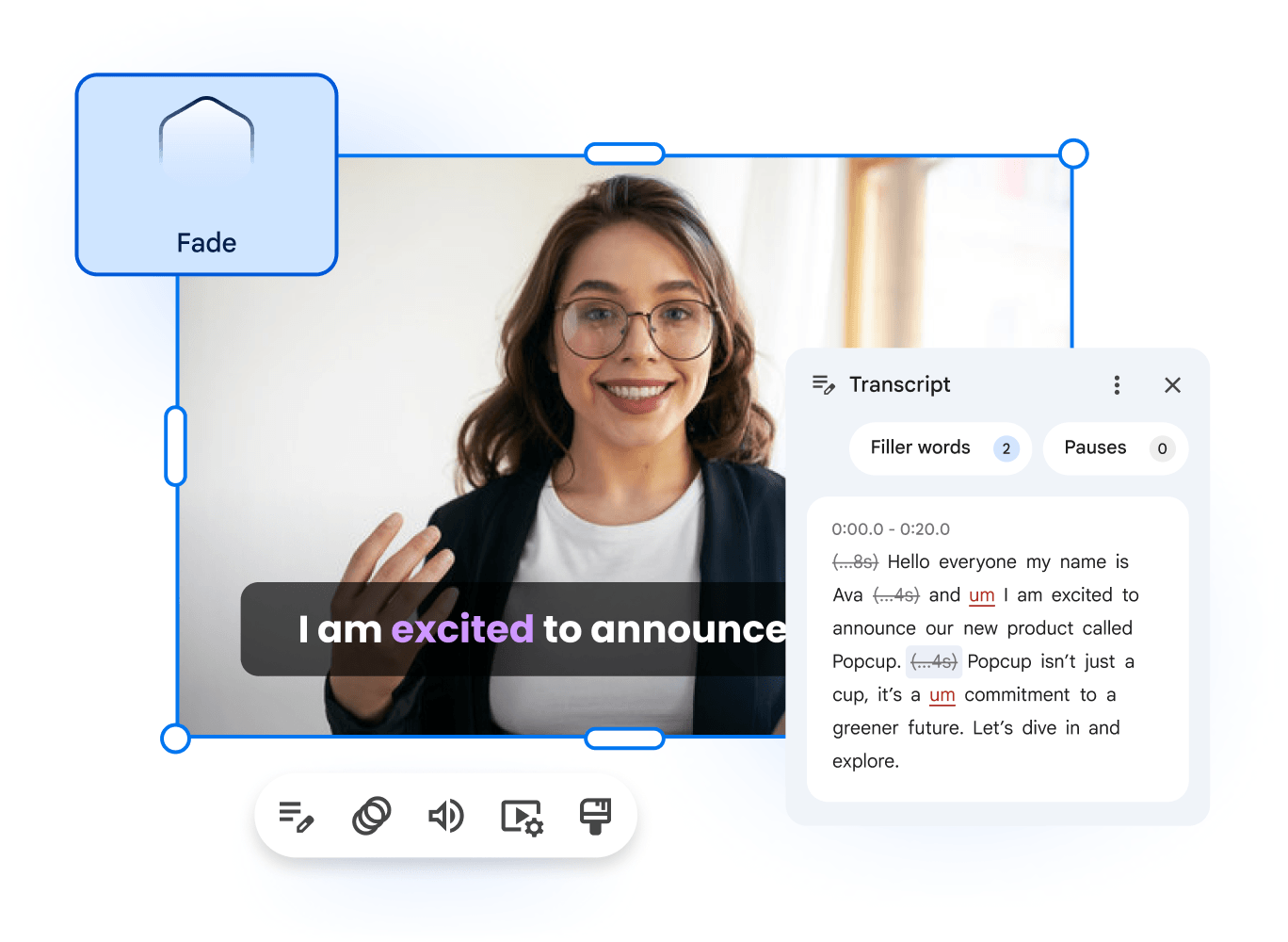
On October 23, Google announced audio extraction in Vids. The resulting track can be trimmed, moved or deleted independently of the video. Rollout began October 19 and can take up to 15 days for Workspace, Workspace Individual and personal accounts.
An everyday editing example
Imagine a tutorial on putting up a shelf. You might want the explanation to continue while showing a close-up of a tool. Making separate decisions about sound and pictures lets you plan that edit without interrupting every sentence when the shot changes. This is an editorial example, not a demonstration that any recording will automatically work well.
Extraction is not noise removal
The announcement does not describe automatic noise cleanup. Listen carefully: a clipped word or awkward silence can be easy to miss when checking only the pictures. Vids help also documents adding your own audio, recordings and library resources.
Watch and listen all the way through
Play the entire project before sharing it. Check that instructions match what appears on screen and that no sentence loses its ending. Editing a track separately gives you more freedom, but makes it especially important to listen to the finished sequence.
Sources and context
Sources used for this article. Follow the links to read the original material.
See the linked sources for more information. Corrections and contact →