In brief
- The research was published October 22; it does not measure incidence in Mexico.
- Verify unexpected requests through a familiar channel.
The message looks like routine paperwork
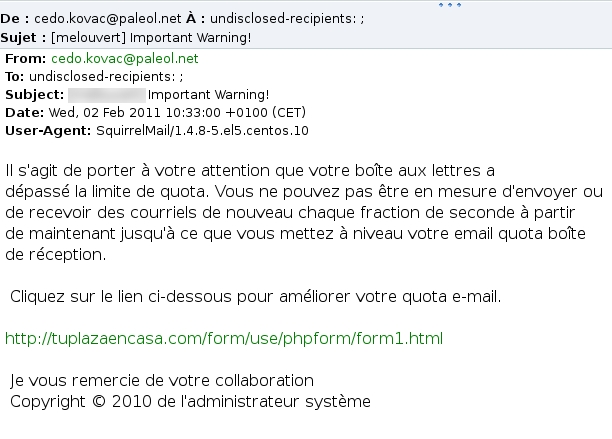
On October 22, Netcraft published examples of phishing emails about salary adjustments, financial documents, and access reviews. Some impersonated familiar services to send recipients to a page asking for their login credentials.
The research describes cases observed by the company, not a measurement of how many people receive them in Mexico. It also does not establish that the impersonated services themselves were breached.
Verify through a different channel
The FTC, the US consumer protection agency, recommends checking suspicious messages using a phone number or website you already know is genuine. Avoid the contact details supplied in the email itself. It also advises against opening unexpected links or attachments and recommends protecting accounts with two-factor authentication.
At work, that might mean asking HR through your usual conversation: did you send this document? If you work independently, open your client’s portal from a saved bookmark rather than following the button in the message.
A habit that fits the working day
Our suggestion is to agree with your team on where to check payroll notices, invoices, and permissions. People should not have to improvise an investigation whenever an urgent request arrives. Having a familiar route makes checking easier.
Before proceeding, focus on the action you are being asked to take: sign in, share a file, or authorize something. Ask whether you expected that task and whether you can complete it through your usual access point. A short pause is often easier to manage than reconstructing later what information you handed over and to whom.
Sources and context
Sources used for this article. Follow the links to read the original material.
See the linked sources for more information. Corrections and contact →