Your phone, within easier reach
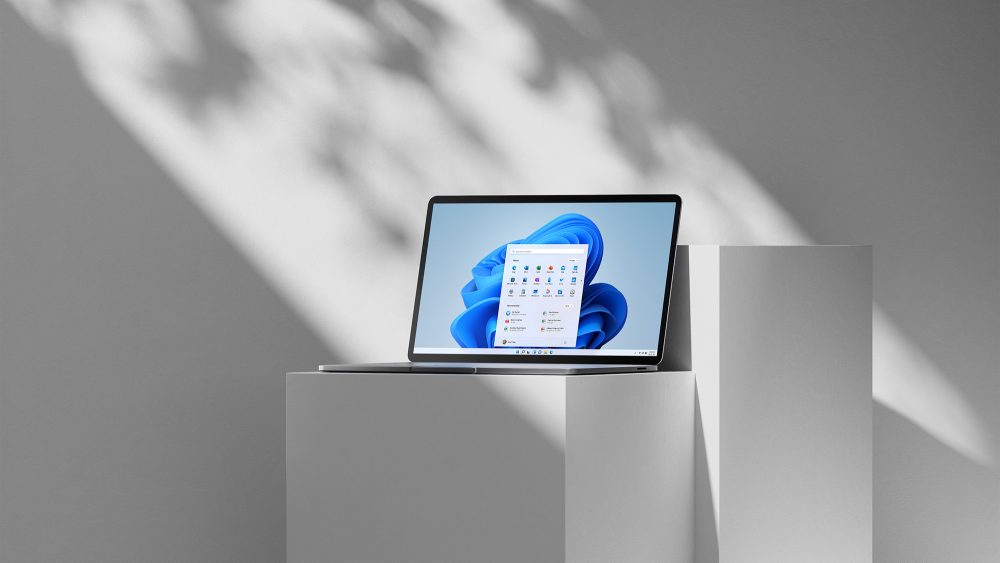
Microsoft announced a test of mobile controls in Windows 11 Quick Settings on October 23. With a supported Android phone connected, users can turn on Do Not Disturb, change its ringer mode or make it ring to find it nearby.
The initial iPhone experience is more limited and focuses on status information. Do not expect identical buttons for both platforms.
Who can try it
Build 26340.9767 is part of the Windows Insider Experimental channel, with features rolling out gradually. Its release notes say to open Quick Settings and look for Mobile devices. Windows guides setup if a phone has not been connected.
The key distinction is not whether you live in Mexico or elsewhere: this is a test that requires a supported device. The announcement does not promise general availability on every Windows 11 computer.
A shortcut, not a reason to switch builds
Our take: silencing a phone before a video call without leaving your desk could be handy. Ringing it could also help when it slips between couch cushions, though this is no replacement for locating a device lost away from home.
If you depend on your computer for work, switching to an experimental build just for this shortcut is not worth the disruption. Wait for a stable release, then check which features your phone supports.
Sources and context
Sources used for this article. Follow the links to read the original material.
See the linked sources for more information. Corrections and contact →